
Views: 0 Author: Site Editor Publish Time: 2026-06-12 Origin: Site


Mid-stream microphone sag is an incredibly frustrating experience for any creator. You meticulously frame your camera shot. Slowly, however, your heavy broadcast microphone drops completely out of view. Squeaking joints and subtle desk vibrations constantly ruin your live audio feed. These technical distractions turn professional content into amateur broadcasts instantly. Your mounting setup demands much more than a basic holding accessory. It serves as critical ergonomic infrastructure for your entire studio. It also provides essential acoustic isolation from environmental noise. Relying on cheap suspension arms inherently compromises your expensive audio gear. We evaluate broadcasting mounts by strictly defined baseline metrics. We ignore aesthetic gimmicks entirely. Instead, we heavily prioritize mechanical tension reliability and substantial payload capacity. Long-term structural stability remains our primary focus here. In this comprehensive guide, you will learn exactly how to secure your audio equipment permanently. We cover low-profile desk designs alongside robust suspension models. You will finally understand how to permanently eliminate desk rumble and mid-stream sagging issues.
Material Matters: A solid metal microphone stand is non-negotiable for supporting heavy broadcast dynamic microphones (e.g., Shure SM7B, Electro-Voice RE20) without joint fatigue.
Acoustic Isolation: The right stand prevents keyboard typing and desk bumps from transferring low-frequency rumble into your audio feed.
Clamp Architecture: A stand is only as secure as its base; desk clamps require minimum surface area and padding to prevent desk damage and slippage.
Clearance & Ergonomics: Low-profile designs are increasingly preferred to keep the streamer’s face unobscured and accommodate multi-monitor setups.
Live streaming demands exceptionally reliable equipment. Every physical component must function flawlessly during broadcasts. Polymer-based tightening knobs often seem adequate initially. However, these plastic friction hinges degrade rapidly. Streamers physically move their microphones daily. This repetitive motion applies constant mechanical torque across the joints. Over time, plastic threads strip out completely. Internal friction pads wear down entirely. Soon, your heavy dynamic microphone starts drooping mid-sentence. A sturdy Metal Microphone Stand solves this precise failure point. Solid construction prevents creeping joint fatigue. Machined steel components lock securely into place. They remain rigid through thousands of daily movement cycles.
Acoustic isolation represents another stark engineering reality. Cheap, hollow tubes behave terribly in studio environments. They act as active resonant chambers. When you accidentally bump your desk, sound waves travel upward immediately. They amplify wildly inside these hollow tubular structures. This acoustic energy transfers directly into your delicate microphone capsule. Solid construction changes this destructive dynamic entirely. Dense materials naturally dampen unwanted mechanical noise. Heavy metallic components effectively absorb vibrations from aggressive keyboard typing. You achieve a noticeably cleaner audio feed instantly. Professional broadcasters rely heavily on structural mass for sound dampening.
Finally, consider the infamous squeak factor. Many budget models utilize exposed external tension springs. Adjusting them creates awful metallic screeching sounds. This auditory distraction ruins unedited live broadcasts. High-end models solve this problem elegantly. They utilize premium internal, tension-adjustable springs. Enclosing these tension mechanisms ensures completely silent operation. You can pull the mic closer mid-sentence confidently. Your audience hears absolutely nothing but your voice. This silent agility separates professional streaming setups from amateur configurations.
Selecting the ideal mount depends entirely on your spatial layout. We categorize these tools based on specific environmental challenges. We evaluate capacity, reach, and stability carefully.
Low-profile arms recently revolutionized modern streaming setups. They sit neatly below the user's shoulder line. They reach effortlessly under primary monitors. This smart geometry keeps your face entirely clear for the camera. You maintain uninterrupted eye contact easily. Viewers deeply appreciate an unobscured view of your facial expressions.
When evaluating these specific models, focus heavily on vertical friction resistance. Low-profile designs completely defy traditional scissor-arm gravity physics. Instead, their joints must handle extreme horizontal torque continuously. A robust Metal Microphone Stand in this category must grip aggressively. Look for precision-machined steel pivot points. Avoid anything relying on single-point plastic friction discs. We measure ultimate success by rigid stability. If the arm bounces while you type, it fails the test. The structural integrity must successfully combat downward leverage continuously.
Sometimes you need maximum physical flexibility during broadcasts. The traditional broadcast suspension arm delivers unmatched spatial agility. Success here requires perfectly smooth, one-handed operation. You can easily pull the mic closer for intimate whispering. You quickly push it away during intense gaming sessions.
Examine the structural design carefully. Enclosed metal channels are an absolute necessity. They hide cables securely and prevent dangerous snagging. Integrated cable management keeps your desk looking pristine. Pay strict attention to the official payload rating. Calculate your total microphone and shock mount weight. Then, buy a model rated at least 30% higher. This generous payload buffer prevents the dreaded downward sag. It guarantees the arm stays exactly where you leave it. Gravity remains your biggest adversary here.
Some recording environments demand extreme acoustic measures. A heavy-duty floor model completely divorces your microphone from your desk. This physical separation completely eliminates keyboard and mouse vibration transfer. No accidental desk bumping will ever reach your audio feed.
Base weight serves as your primary evaluation focus. Cast iron bases provide the best low-center gravity. Assess footprint management very carefully. Streaming spaces often feel incredibly cramped. You need a base heavy enough to prevent accidental tipping. Yet, it must tuck neatly under your desk geometry. Examine the boom arm locking mechanisms closely. They must feature robust steel threading. We highly recommend these floor units for professional voiceover setups. They offer the purest acoustic isolation possible.
Navigating technical specifications requires knowing exactly what to look for. You must evaluate dimensions far beyond simple aesthetics.
Payload Capacity vs. Actual Weight
Understanding the sag threshold saves creators significant money. Never buy a stand rated exactly for your equipment weight. If your setup weighs 2.5 lbs, a 2.5 lb stand will eventually fail. Constant mechanical movement wears down the internal tension system. We strongly recommend adding a 1.5x weight capacity buffer. If your mic weighs 2 lbs, buy a 3 lb capable arm. This mathematical buffer ensures reliable long-term performance.
Desk Clamp vs. Grommet Installation
Mounting methods heavily dictate overall system stability.
Desk Clamps: Assess the depth of the C-clamp carefully. Shallow clamps concentrate pressure poorly. They easily warp standard MDF or particle-board gaming desks. Look for wide, rubberized clamping surfaces. They distribute physical force effectively across the wood.
Grommet Mounts: Consider drilling a dedicated desk hole. This approach suits high-end permanent setups perfectly. It provides the most secure anchoring method available. It seamlessly integrates your Metal Microphone Stand while looking incredibly clean.
Cable Management Integration
Evaluate the harsh reality of hidden cable channels. Thick XLR cables often struggle to fit properly. Snap-on plastic channels break easily under slight pressure. Prefer designs featuring wide, built-in metal gutters. Reliable velcro tracks also work exceptionally well. They accommodate thick shielded cables easily.
Feature Evaluated | Budget/Plastic Models | Professional Metal Models | Acoustic Impact |
|---|---|---|---|
Joint Material | Polymer friction discs | Machined steel gears/locks | Prevents mid-stream sagging completely |
Tension System | External squeaky springs | Internal silent suspension | Eliminates mechanical noise transferring |
Tube Construction | Thin hollow aluminum | Solid or thick-walled metal | Dampens low-frequency rumble effectively |
Real-world installation often reveals hidden complications. Anticipating these physical issues prevents expensive gear damage.
The Hollow Desk Risk
Many popular modern desks utilize honeycomb-core construction. Clamping heavy-duty arms onto these cheap surfaces poses severe structural risks. The concentrated pressure crushes the internal cardboard structure entirely. This leaves an ugly dent and an incredibly unstable mount. We recommend a simple, inexpensive solution. Use a heavy metal reinforcement plate. Place it directly between the clamp and the desk surface. This effectively distributes the clamping force across a much wider area. It protects your fragile desk and stabilizes your arm securely.
Monitor Clearance Constraints
Multi-monitor arrays complicate boom arm routing significantly. Routing a suspension arm over a 27-inch monitor is remarkably tough. Routing it under poses equal geometric challenges. You must measure your maximum vertical reach beforehand. Account for monitor tilt and exact bezel thickness. Some arms simply lack the physical reach required. A low-profile configuration avoids overhead clearance issues completely. However, it requires entirely clear lateral space underneath. Measure your workspace twice before buying any equipment.
Shock Mount Compatibility
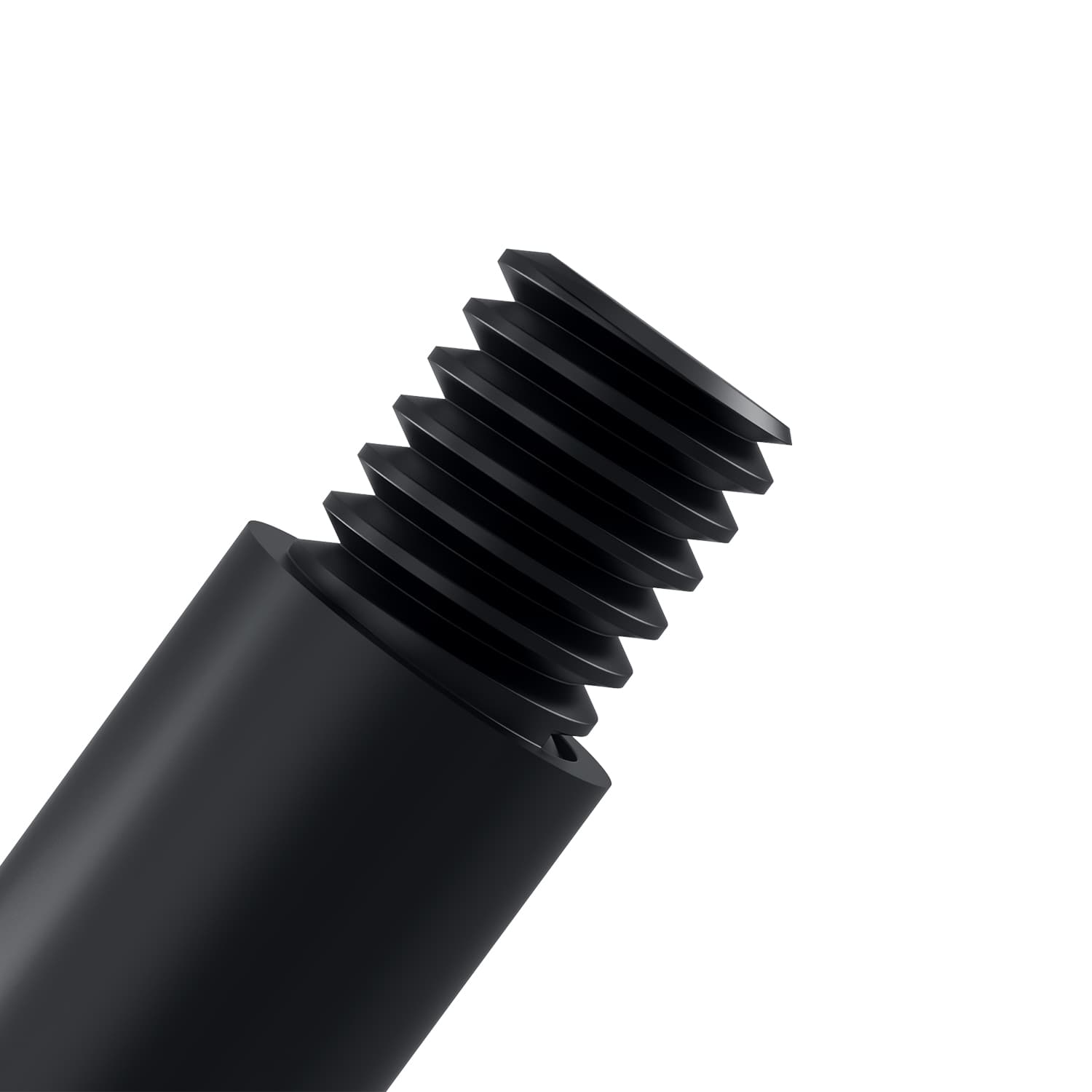
A robust stand becomes entirely useless without proper mounting hardware. Check your threading sizes meticulously. Most audio systems use either 3/8-inch or 5/8-inch threads. A mismatch requires buying a brass adapter. Poorly machined adapters degrade structural integrity. They introduce unwanted wobble directly at the microphone connection. Ensure your shock mount pairs perfectly. While solid metal dampens high-frequency vibrations, a dedicated shock mount remains essential. It actively isolates the sensitive microphone capsule. Do not skip this crucial acoustic component.
Choosing the right structural mount streamlines your daily content production. Make your final selection using this clear decision matrix:
Choose low-profile configurations for optimal camera presence.
Select traditional broadcast arms for rapid physical flexibility.
Opt for heavy-duty floor stands to achieve absolute acoustic isolation.
Investing in high-grade equipment pays off significantly over time. A premium mount easily outlasts multiple microphone upgrades. It forms an incredibly reliable foundation for your entire broadcasting career. Do not compromise on your foundational acoustic infrastructure. Cheap plastic arms always cost more in the long run.
Next Action: First, weigh your exact microphone and shock mount combination. Multiply this number by 1.5 to find your target capacity. Next, measure your desk thickness and inspect its internal core material. Finally, evaluate your specific camera framing needs. Select a high-quality model from the appropriate structural category.
A: Yes, it can cause severe damage if over-tightened on soft wood or hollow-core desks. The concentrated pressure crushes delicate internal structures easily. To prevent this, always use thick rubberized clamp pads. Alternatively, install aftermarket metal reinforcement plates above and below the desk surface. These plates distribute the clamping load evenly. They protect your furniture while ensuring maximum stability.
A: Neither design is objectively better. Low-profile arms excel at providing clear visual clearance for webcams. This makes them ideal for face-cam streamers. Conversely, standard broadcast arms offer superior vertical reach over tall monitors. The right choice depends entirely on your specific camera angle and multi-monitor layout.
A: This sagging indicates significant mechanical failure. The internal tension system, whether springs or friction hinges, has weakened considerably. Alternatively, your microphone's total weight exceeds the stand's designed payload capacity limit. Always calculate your mic and shock mount weight accurately. Choose a model rated at least 30% higher to prevent mid-stream sinking.
A: Yes. A solid metal stand effectively dampens high-frequency mechanical noise. However, a suspended shock mount is still strictly required. It acts as the final acoustic barrier. The elastic suspension actively isolates the delicate microphone capsule from low-frequency thumps, like aggressive keyboard typing and accidental desk bumping.


